
Yes, you can cancel your Billova subscription at any time. Billova offers a straightforward process for managing and canceling your subscription, ensuring you remain in control of your account.
- Step 1: Open Billova in Shopify.
- Step 2: Locate the three dots on the right
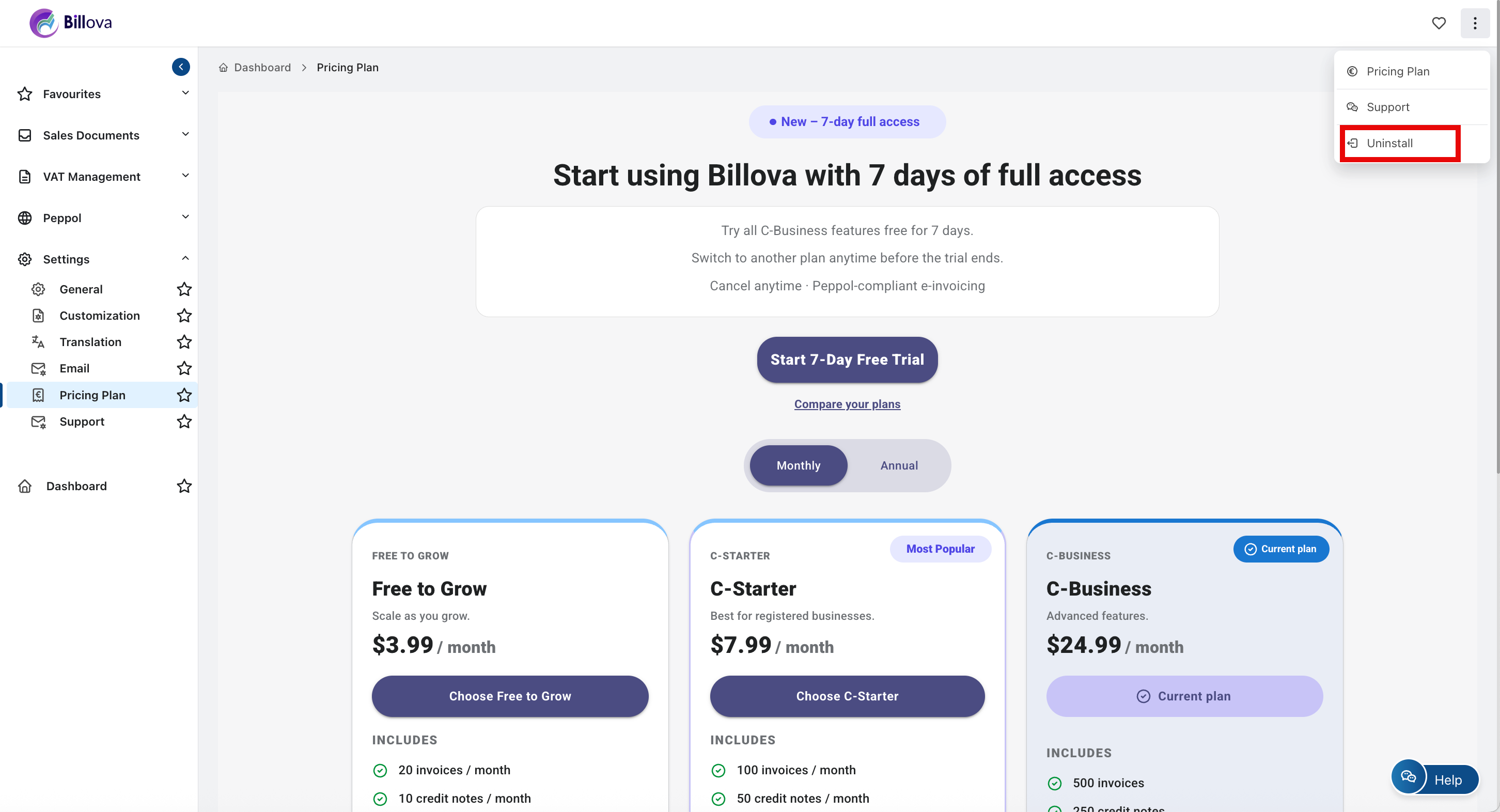
- Step 3: Click on the Uninstall button below your plan.
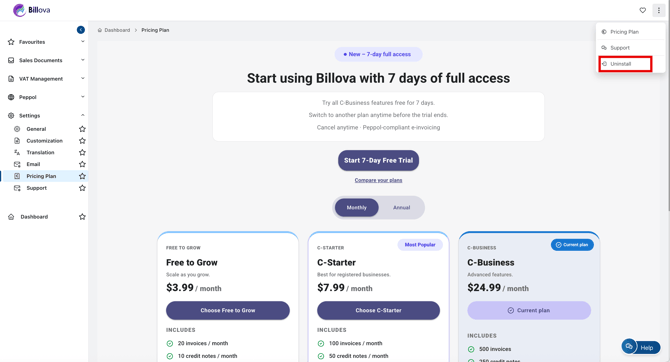
Your subscription will be canceled. You can continue using the plan until the end of your current billing cycle.
Important Note
If you re-subscribe to the C-Business Plan, the free trial will no longer be available, and charges will begin immediately upon subscription.
Canceling your Billova subscription is straightforward. You’ll retain access until the billing cycle ends, and you can re-subscribe anytime if needed.